August 6, 2026 · New feature
Group your holdings, however you'd like
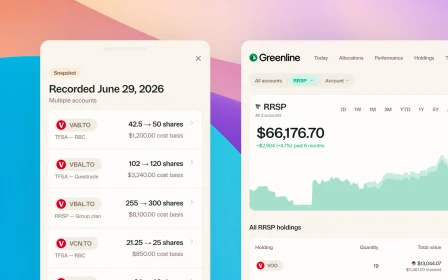
Bundle VFV, VOO, and XUS into one S&P 500 row. Or build a Big Five banks group. Your portfolio, your groupings.
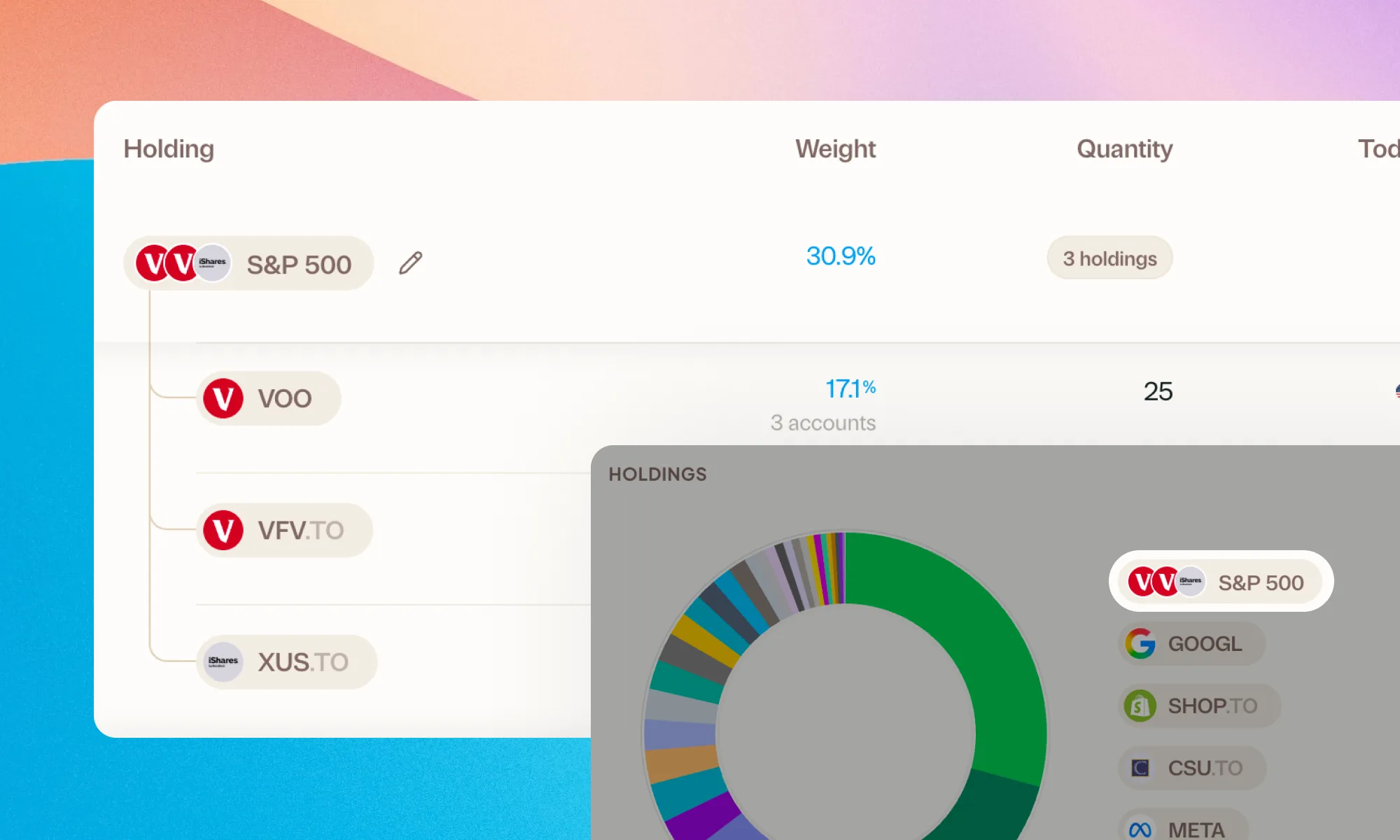
If you’re like me, you probably hold the same index across several tickers. Say VFV, VOO, maybe XUS or SPY too, all just for the S&P 500.
Now you can bundle them together and track them as a group.
Or maybe you hold TD, RY, and BMO and want a “Big Five” group. Or one for your REITs. Group whatever you’d like, and give the group whatever name you want. It works for stocks, ETFs, and crypto.
Groups work everywhere
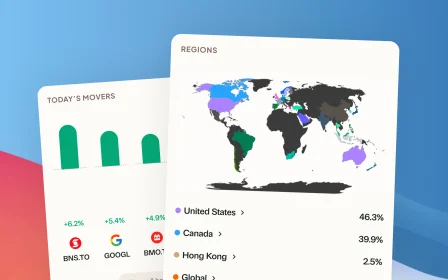
A group isn’t just a row on the Holdings page. It carries through the whole app: your Biggest Movers, your allocation breakdowns, the overview donut. Everywhere Greenline shows your holdings, the group shows up as one position.
And when you want the detail back, expand the group any time to see the individual tickers underneath.
Sold positions come along too
If you’ve exited one of the tickers in a group, it stays with the group’s history instead of vanishing. Your S&P 500 story stays whole, even after you consolidate funds.
How to start one
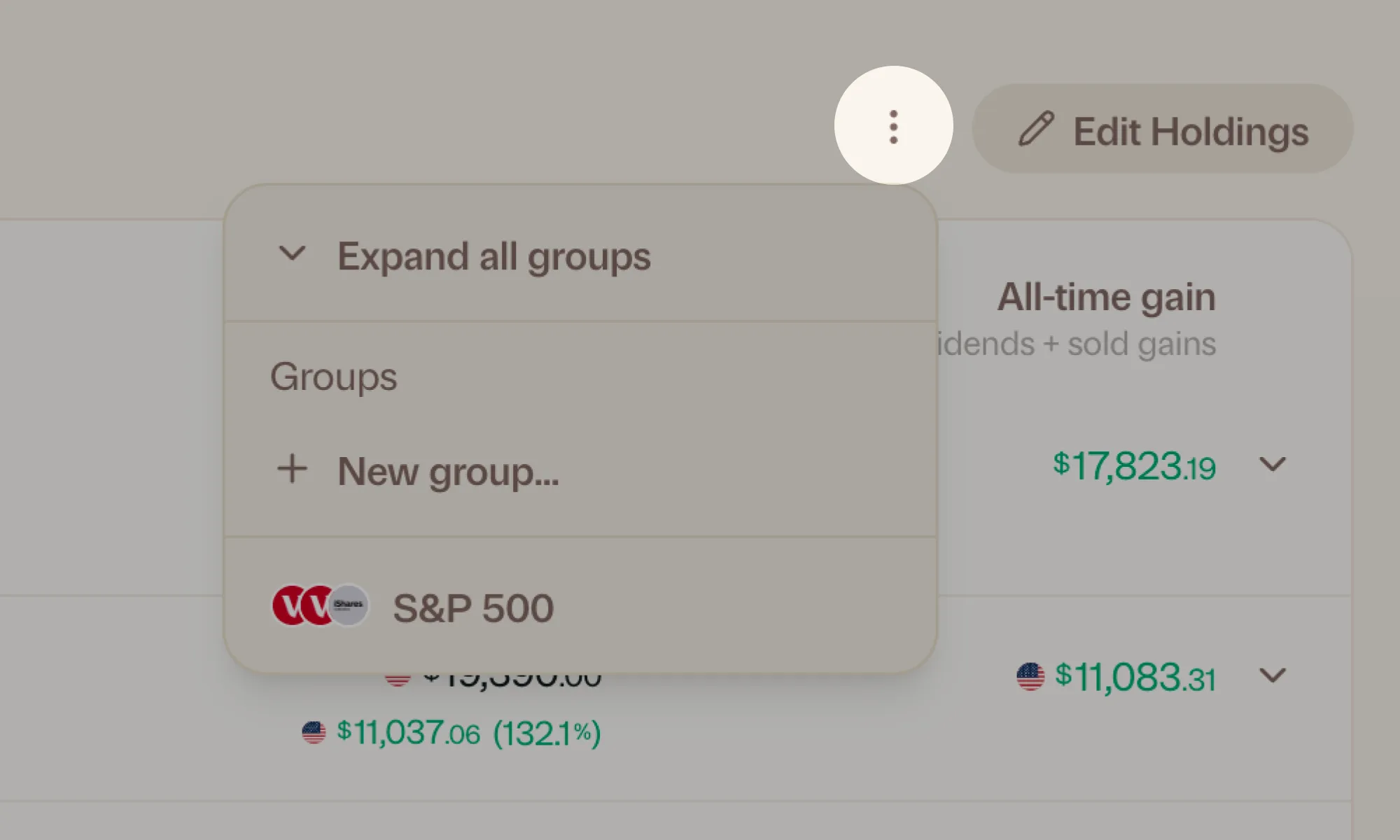
Head to Holdings, tap the ⋮ menu, and choose New group. Pick the holdings that belong together, name the group, done.
More updates
September 10, 2026
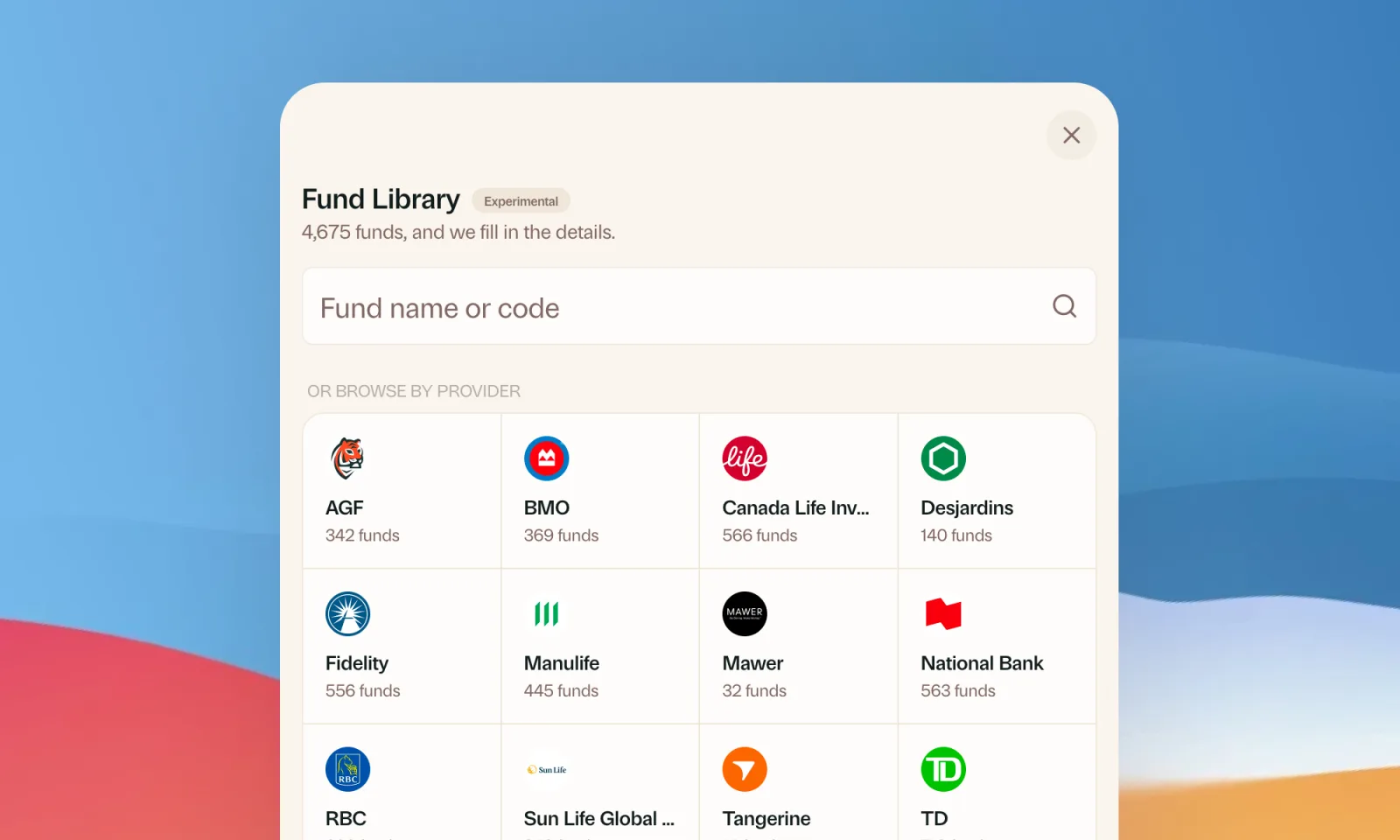
Find your mutual funds in the Fund Library
Search more than 4,500 Canadian mutual funds and get sector and region allocations, fees, and holdings filled in for you.
September 1, 2026
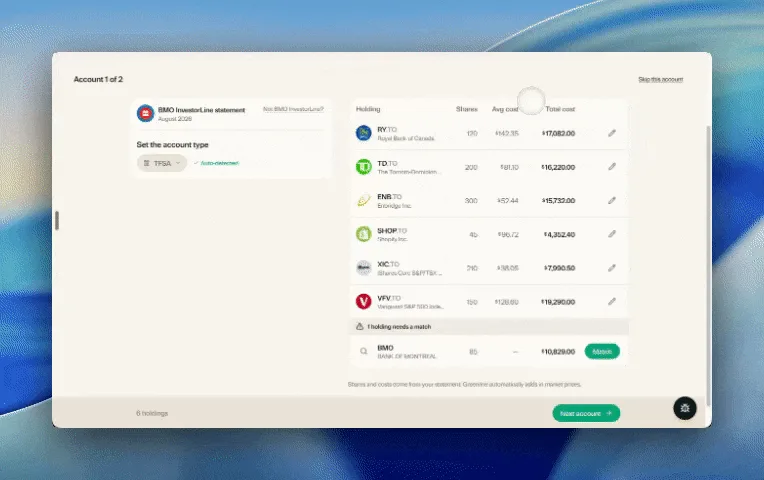
Easier imports, short tours, and sign in with any email
Fix an import yourself, update every account from one place, get a quick walkthrough when you're stuck, and sign in with any email address.

August 21, 2026
Greenline in The Globe and Mail
Andrew Galbraith at The Globe and Mail tried Greenline and wrote about it. We're honoured.
August 5, 2026
Greenline now supports National Bank Direct Brokerage
Import your NBDB holdings and account activity straight from a CSV export, dividends and DRIPs included.