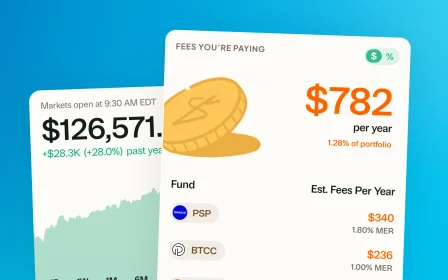
April 30, 2026 · New feature
USD view, Performance by Lot, and a cleaner Dividends portal
Three updates from your suggestions: flip the whole app to USD, see how each buy of a stock is doing on its own, and a cleaner way to handle dividends.
Three updates this round, all from suggestions you sent in.
View everything in USD or CAD
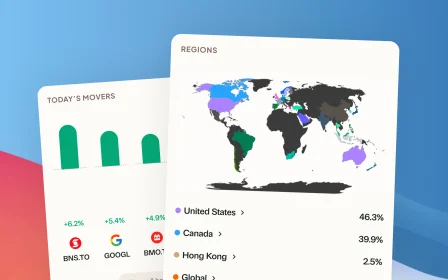
Greenline has always reported your portfolio in CAD. Now, if you would rather see everything in USD, you can flip the whole app over with one tap. Holdings, performance, dividends, totals.
Switch to USD anytime under Settings.
Break down a holding’s return from each time you invested
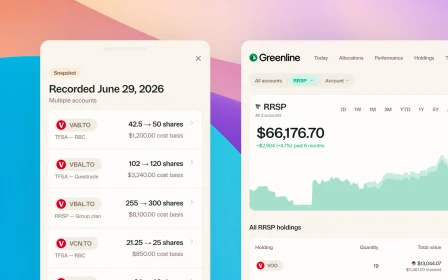
If you have bought the same stock more than once, the new Performance by Lot card shows you how each buy is doing on its own. The shares you picked up last year might be up 40 percent, the ones you added last month might be down 5 percent. Now you can see both, instead of just the blended average.
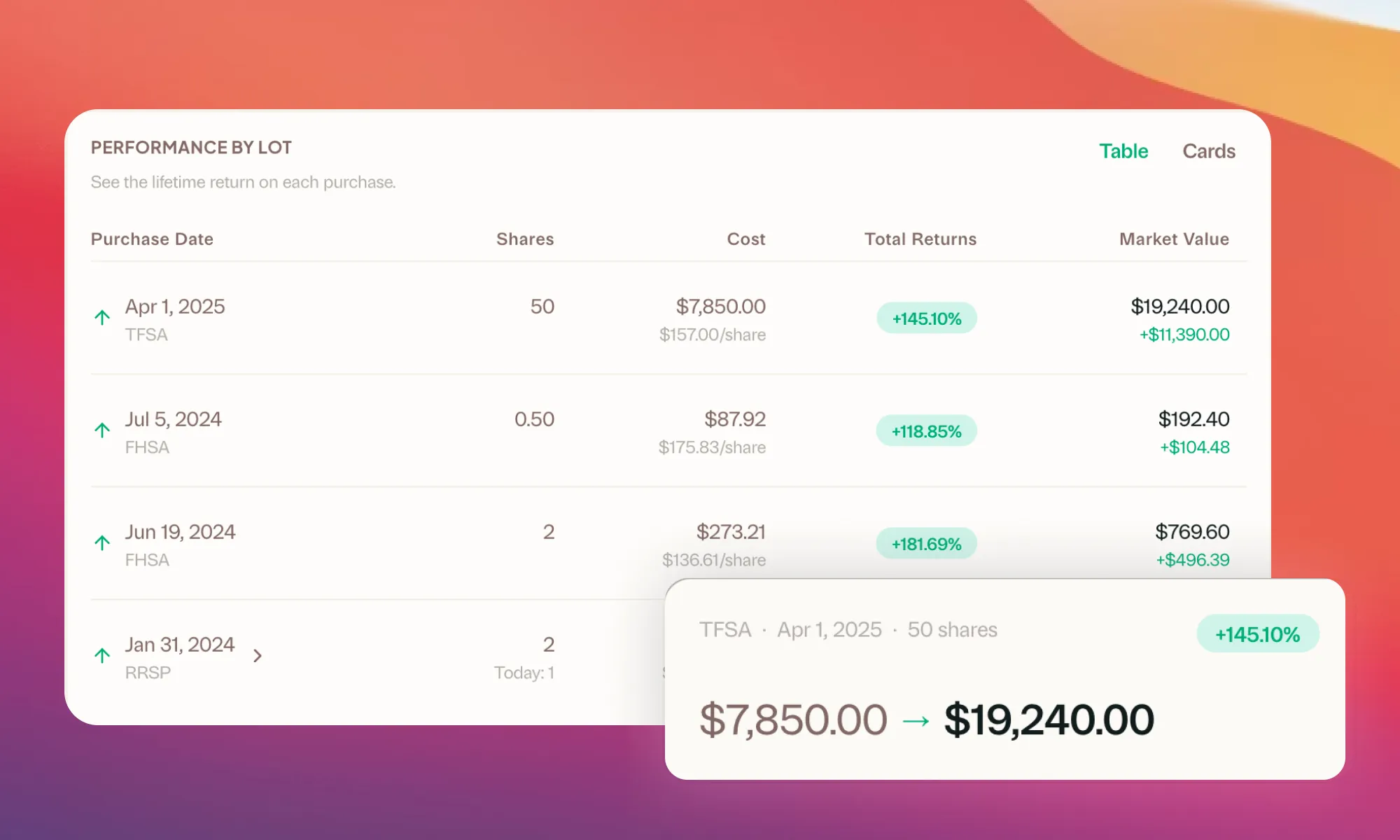
Open any holding’s page to see the new Performance by Lot card.
A smoother Dividends portal
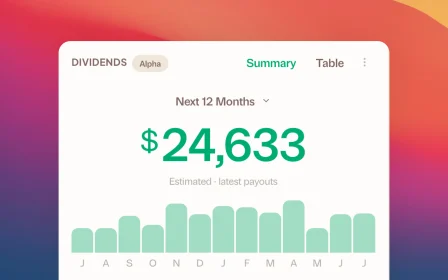
Pending and upcoming dividends are now in their own clear sections. A new “Log all” button makes it easy to log multiple at once. Prefer to adjust them or log them as reinvestments? You still can.
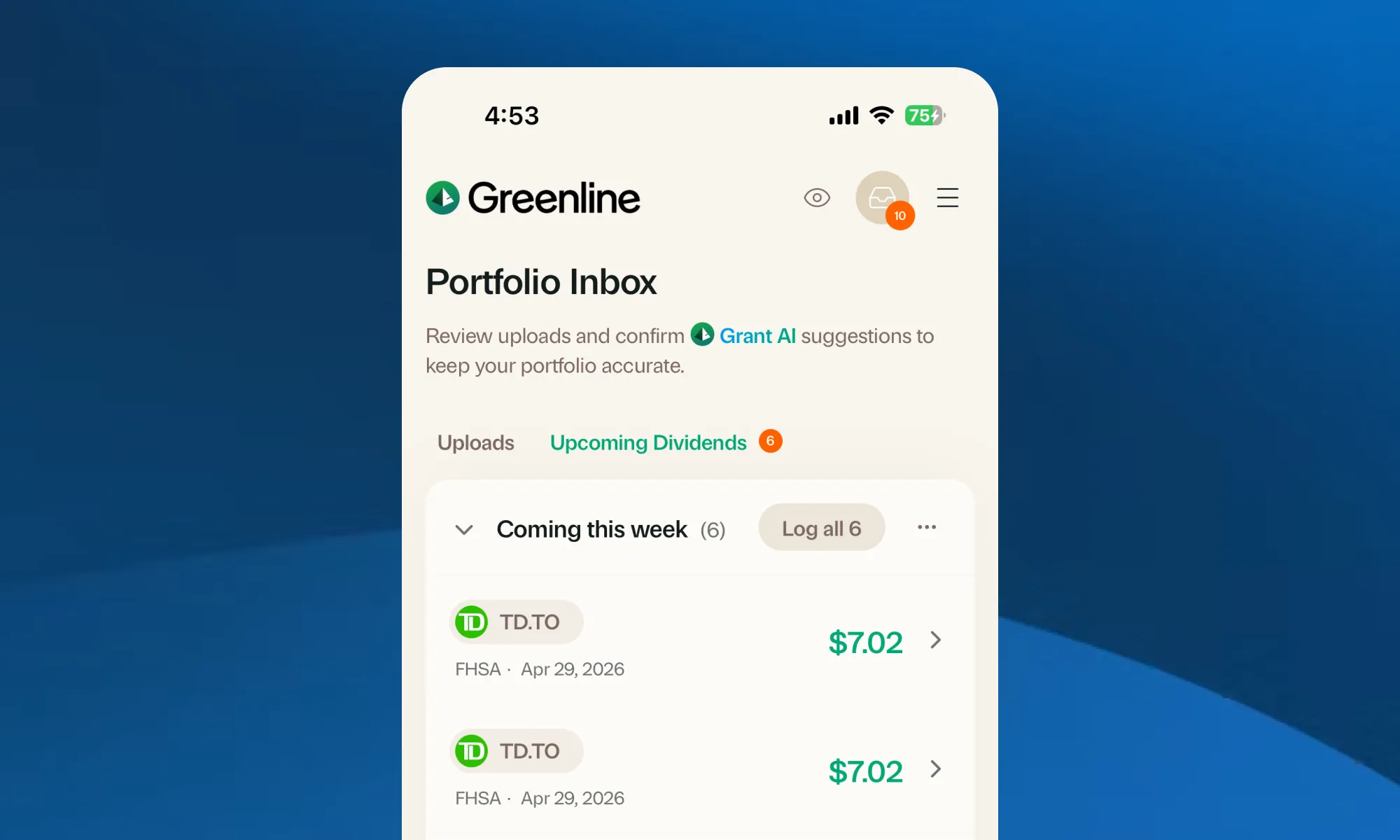
Find Upcoming Dividends anytime by tapping the Notifications icon at the top right.
More coming soon.
More updates
September 10, 2026
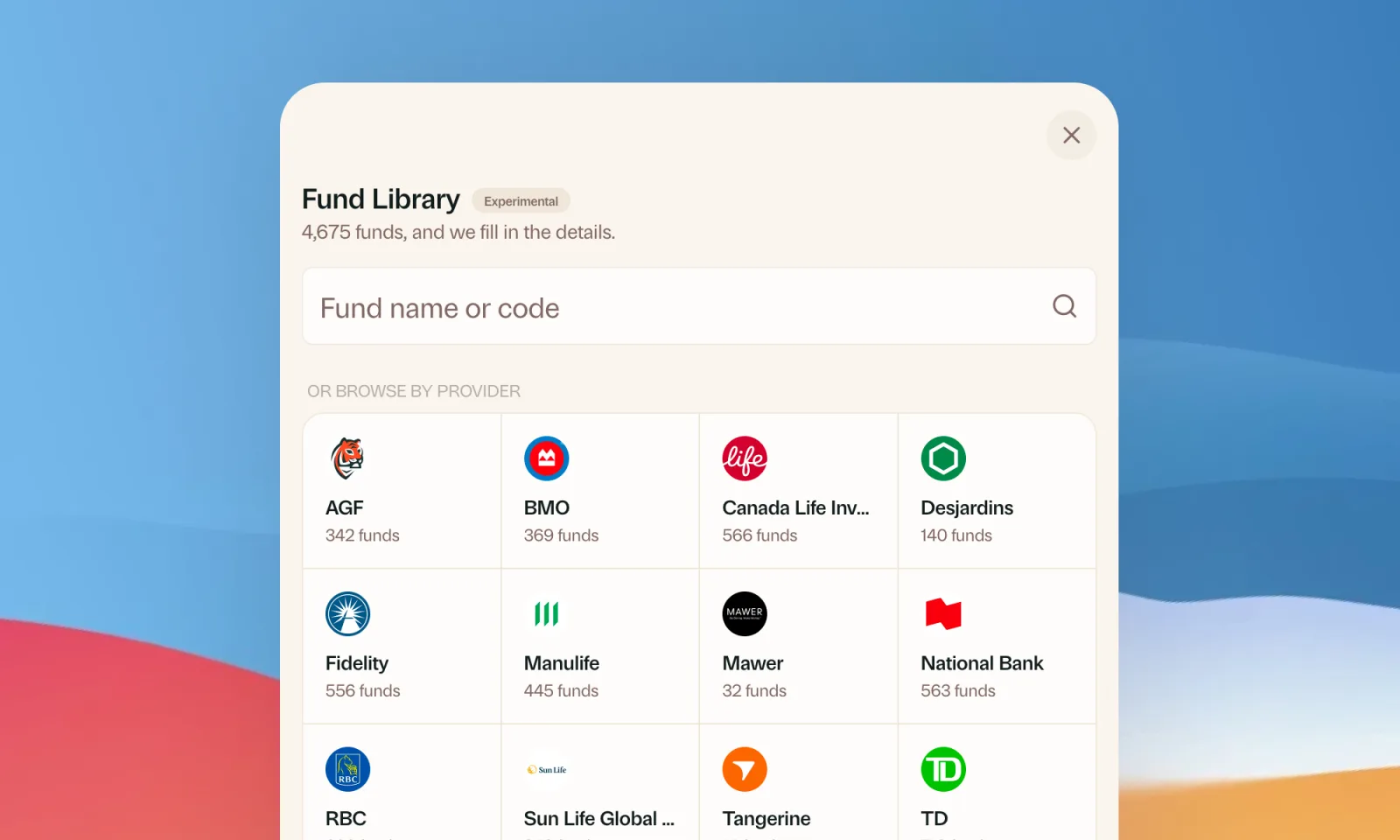
Find your mutual funds in the Fund Library
Search more than 4,500 Canadian mutual funds and get sector and region allocations, fees, and holdings filled in for you.
September 1, 2026
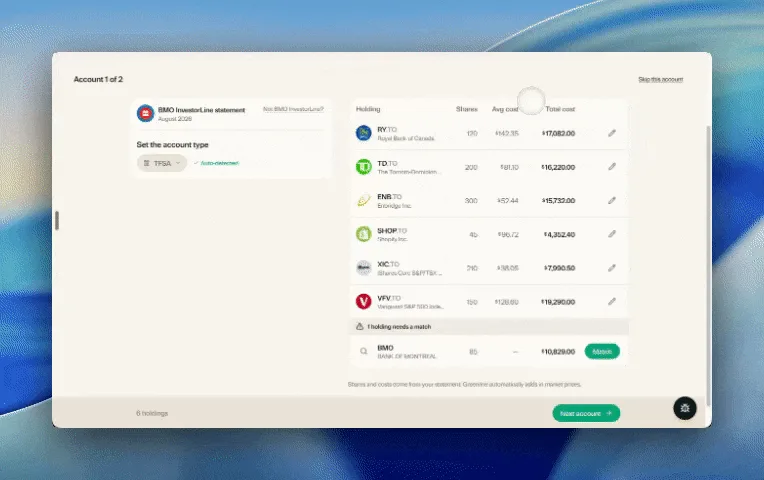
Easier imports, short tours, and sign in with any email
Fix an import yourself, update every account from one place, get a quick walkthrough when you're stuck, and sign in with any email address.

August 21, 2026
Greenline in The Globe and Mail
Andrew Galbraith at The Globe and Mail tried Greenline and wrote about it. We're honoured.
August 6, 2026
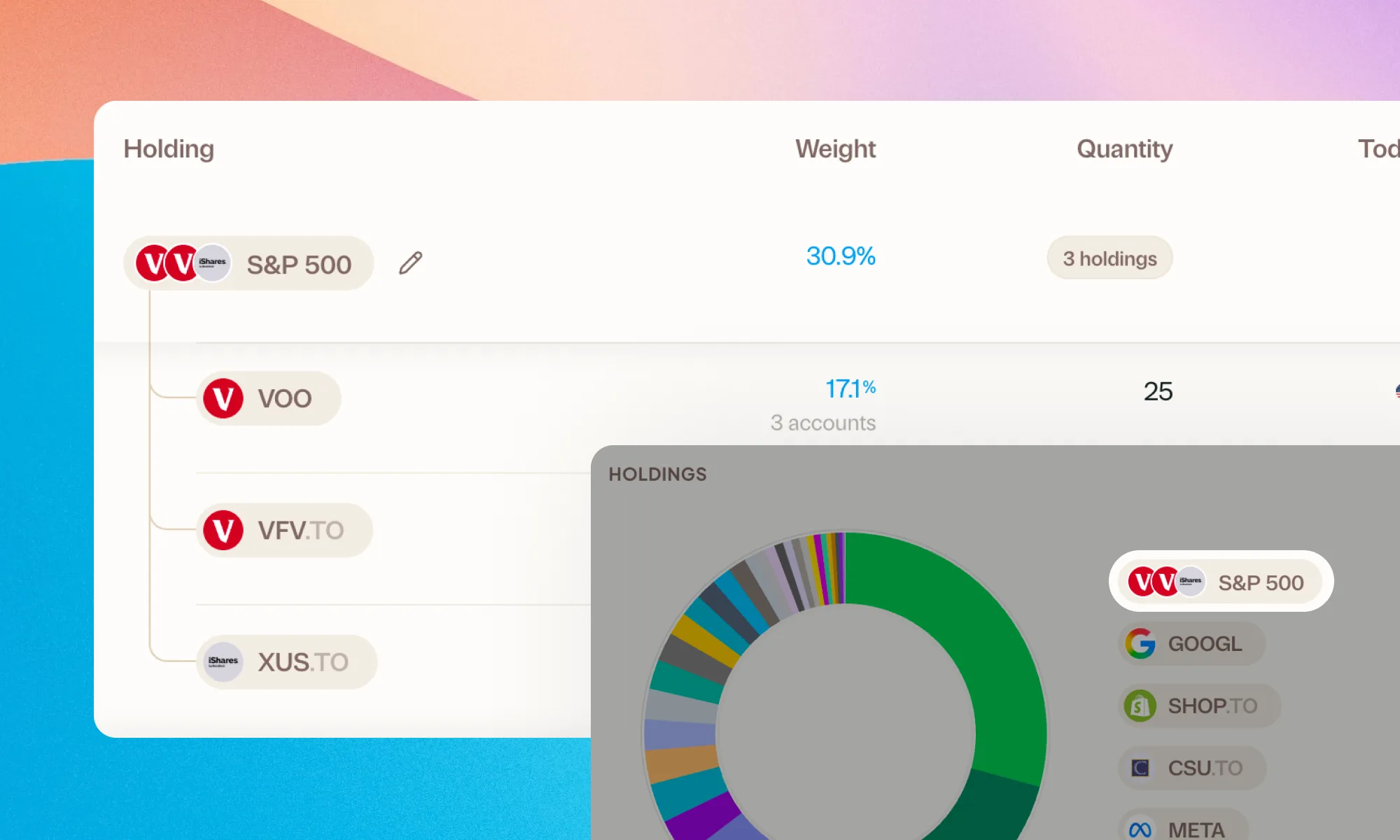
Group your holdings, however you'd like
Bundle VFV, VOO, and XUS into one S&P 500 row. Or build a Big Five banks group. Your portfolio, your groupings.