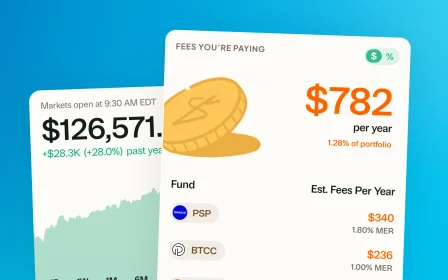
December 10, 2025 · New feature
Mutual funds are here
One of the most requested features since we launched our beta. Greenline now supports mutual funds, alongside your ETFs, stocks, and group RSP.
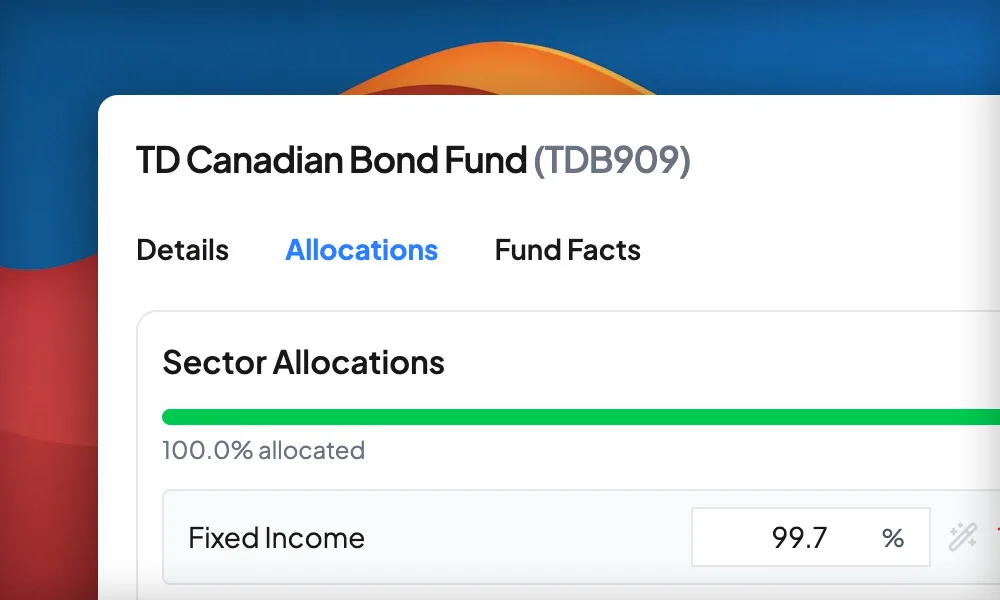
A lot of you have a group RSP, a workplace plan, or an old account with mutual funds sitting inside it. And until now, Greenline did not really give you a way to see it.
That changes today. Greenline now supports mutual funds.
What you can do now
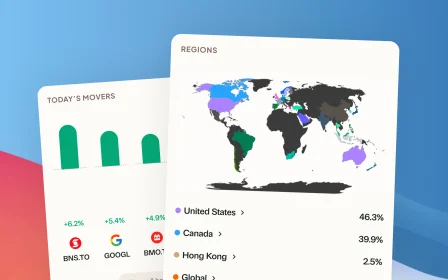
See more of your portfolio in one place. ETFs, stocks, mutual funds, and your group RSP, all in a single view, with deeper insight into your sector concentrations than before.
Catch hidden overlaps. If three different funds all hold Apple and Microsoft, you are more overweight in tech than your account statements suggest. Greenline shows you that.
Understand what you actually own. Knowing what is inside your funds is the difference between thinking you are diversified and being diversified.
Getting started
- Go to Profile → Manage Assets to create your mutual funds.
- Add as much detail as you want. Fund sheets, fees, sector breakdowns, individual holdings, geographic regions. The more you add, the sharper your insights.
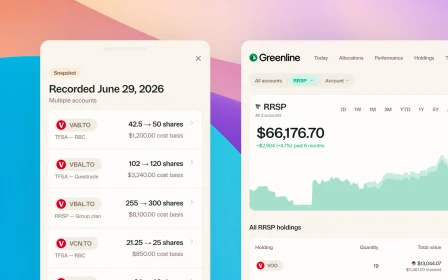
- Click Log Transaction to add the units you hold.
- Update fund values and unit counts as often as you like.
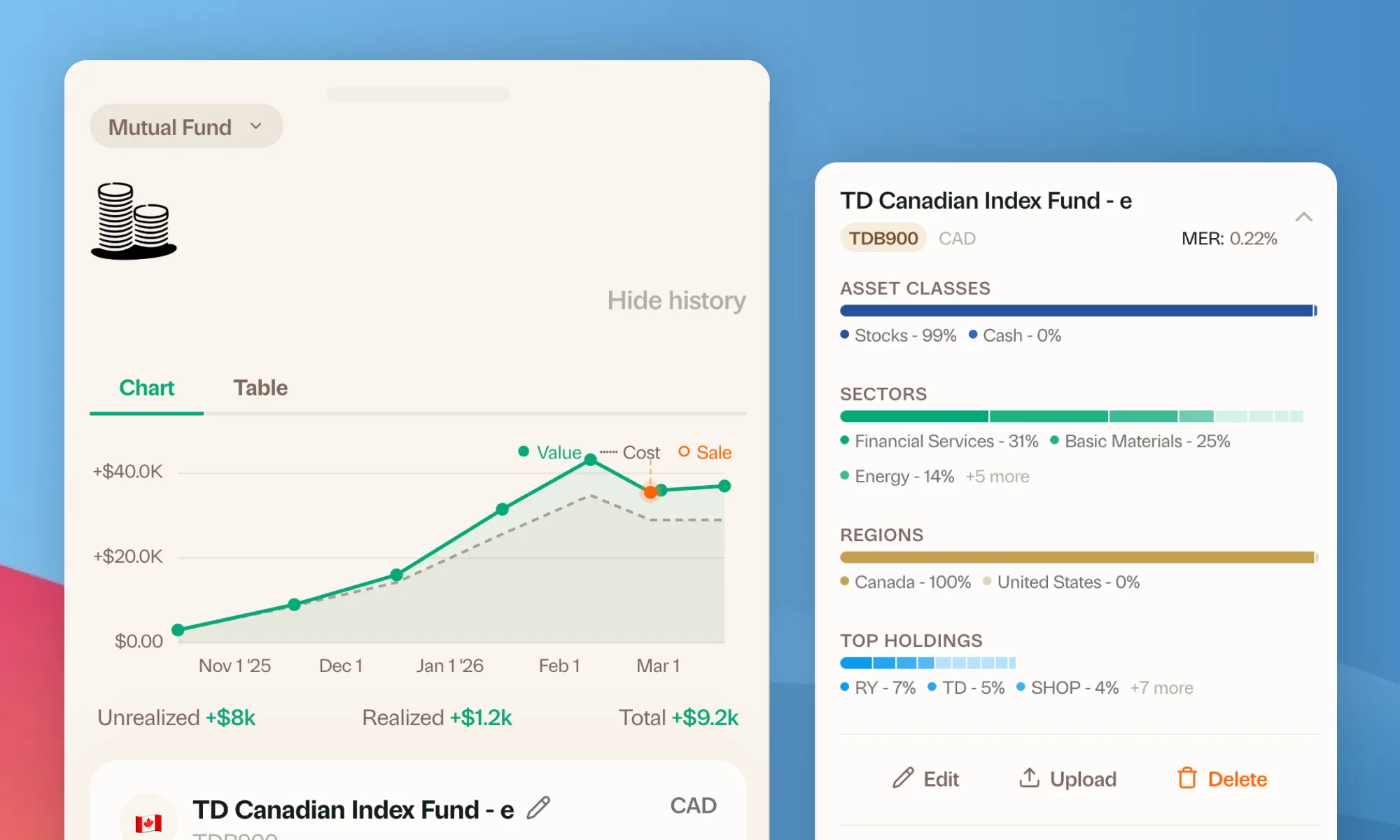
At this time, Greenline supports mutual funds through manual tracking. You set the balance and it holds there until you update it. Most people do that monthly or quarterly, whenever a statement arrives.
A lot of you asked for this, and holding it back until we could do it automatically would have meant leaving that part of your money out of the picture entirely. So it is here now, limits and all. We are working as fast as we can to improve the experience, with changes landing week after week.
Thanks for pushing.
More updates
September 10, 2026
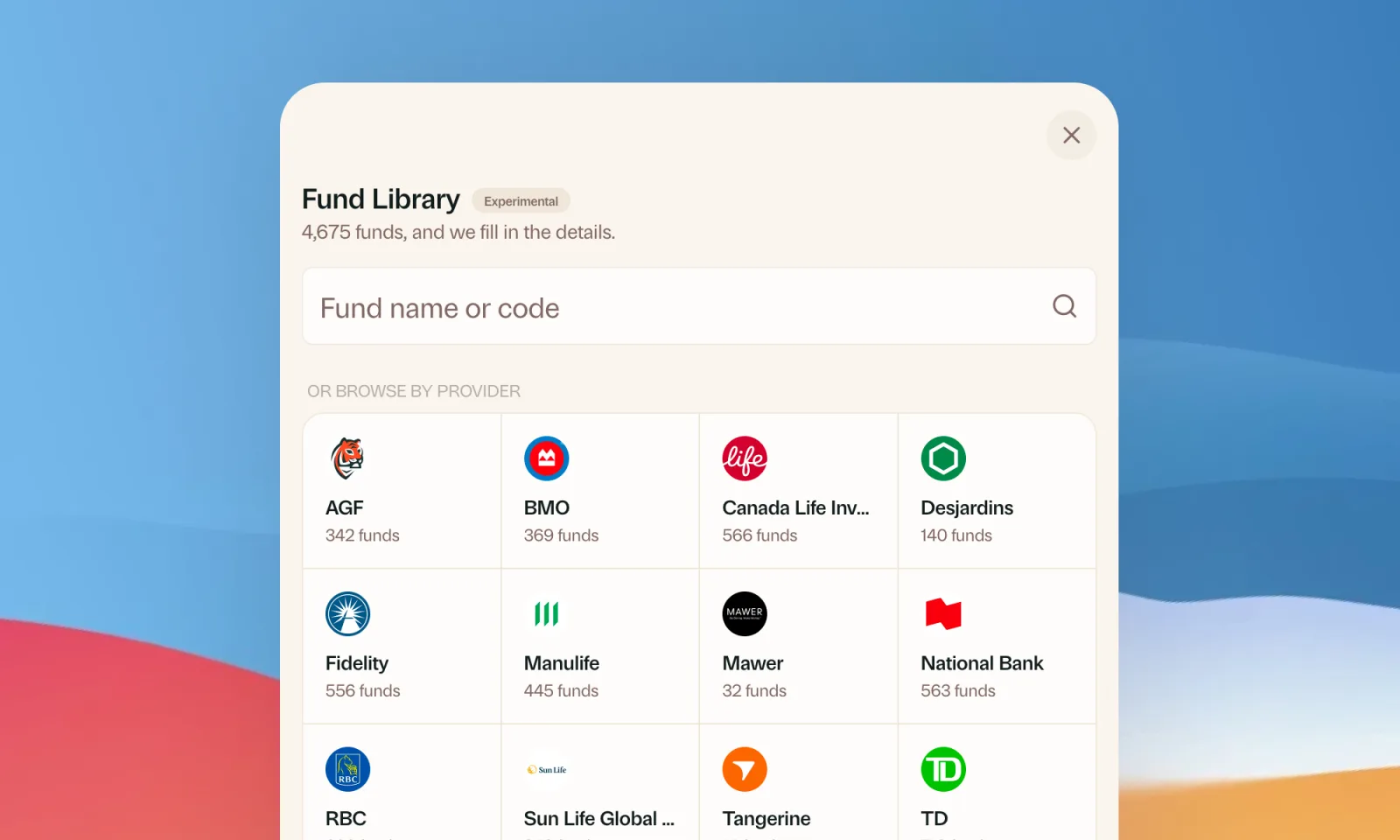
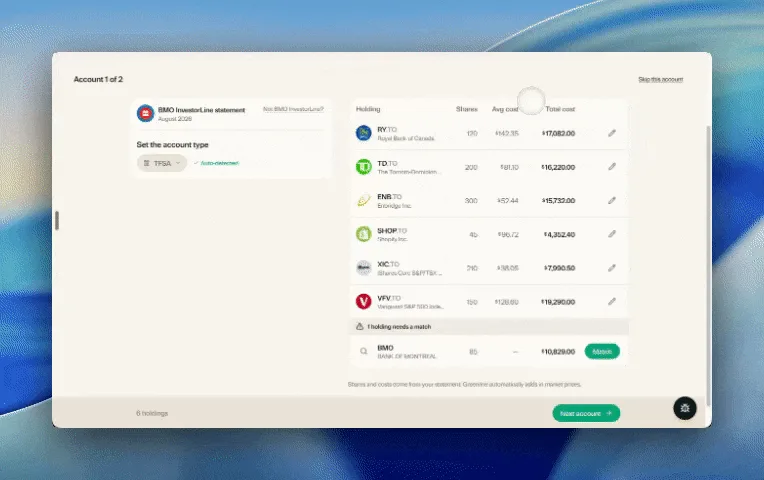
Find your mutual funds in the Fund Library
Search more than 4,500 Canadian mutual funds and get sector and region allocations, fees, and holdings filled in for you.
September 1, 2026
Easier imports, short tours, and sign in with any email
Fix an import yourself, update every account from one place, get a quick walkthrough when you're stuck, and sign in with any email address.

August 21, 2026
Greenline in The Globe and Mail
Andrew Galbraith at The Globe and Mail tried Greenline and wrote about it. We're honoured.
August 6, 2026
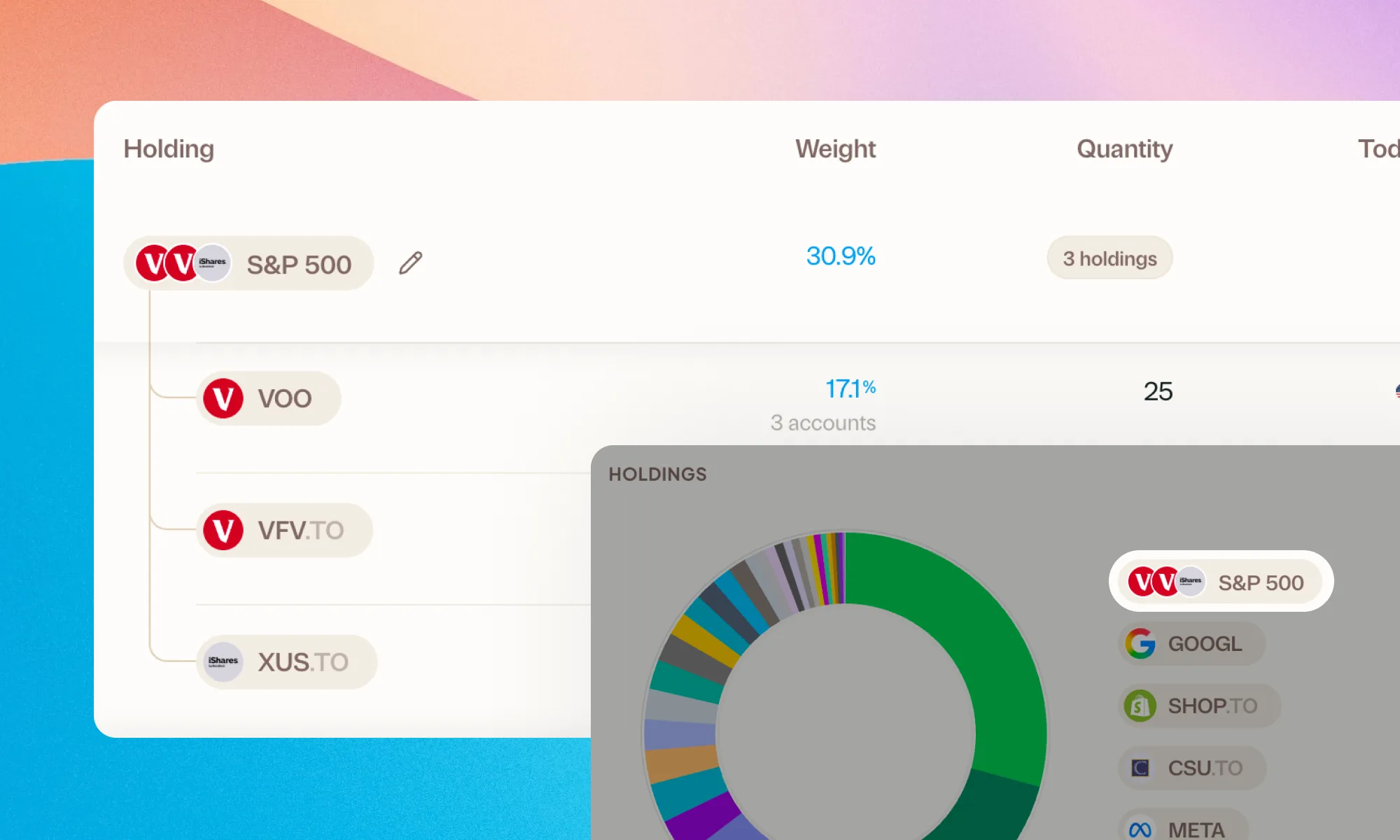
Group your holdings, however you'd like
Bundle VFV, VOO, and XUS into one S&P 500 row. Or build a Big Five banks group. Your portfolio, your groupings.