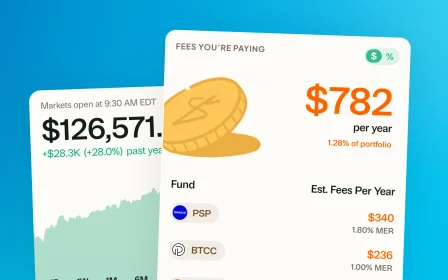
December 12, 2025 · New feature
Crypto tracking
Couldn't stop at mutual funds. Add Bitcoin, Ethereum, and other crypto holdings so you can see your whole financial picture in one place.
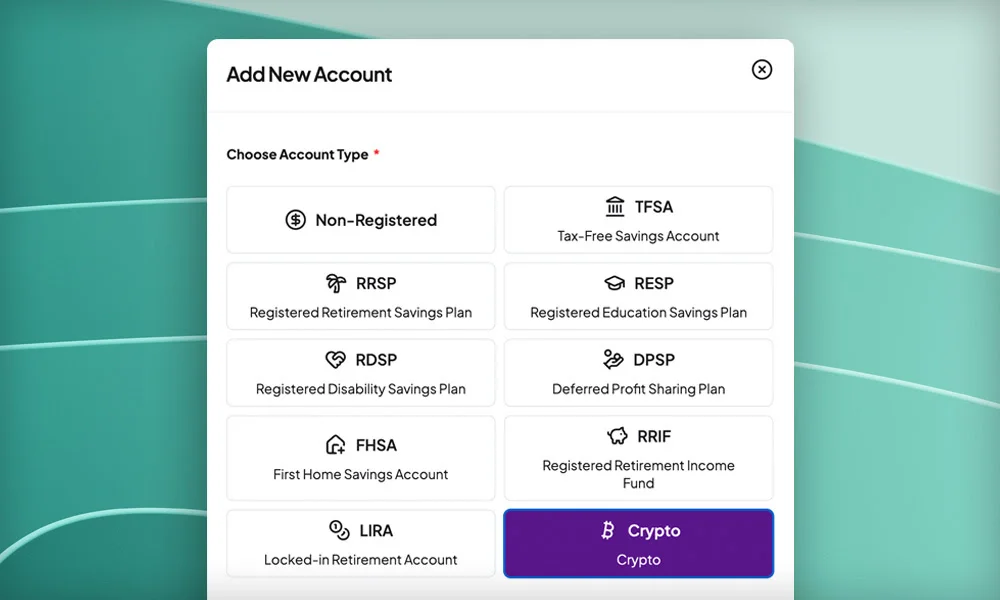
Hot off the heels of launching mutual funds support earlier this week, more good news. Greenline now supports crypto tracking.
Add Bitcoin, Ethereum, and other crypto holdings from exchanges. Your daily AI summaries will now explain notable crypto movements alongside your current investments.
With this, see even more of your financial portfolio in one place: ETFs, stocks, mutual funds, your group RSP, and now, crypto. No more jumping between apps and platforms.
Getting started
- Go to Accounts → Add New Account.
- Select Crypto as your new account.
- Add and track your crypto holdings directly within your Crypto account. Crypto is tracked in USD at this time.
If you own crypto ETFs, keep tracking those in your regular accounts. This is for direct crypto holdings from exchanges.
More updates
September 10, 2026
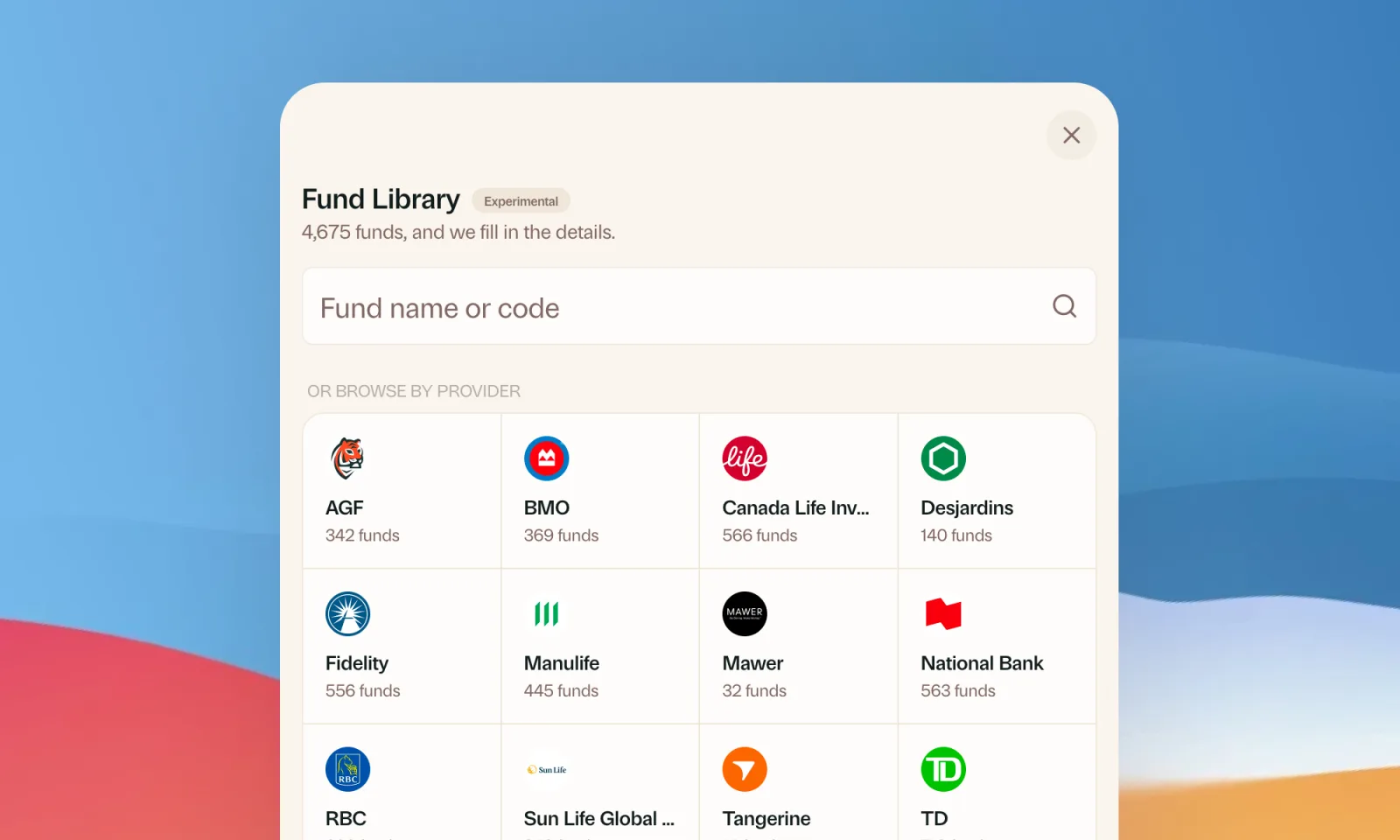
Find your mutual funds in the Fund Library
Search more than 4,500 Canadian mutual funds and get sector and region allocations, fees, and holdings filled in for you.
September 1, 2026
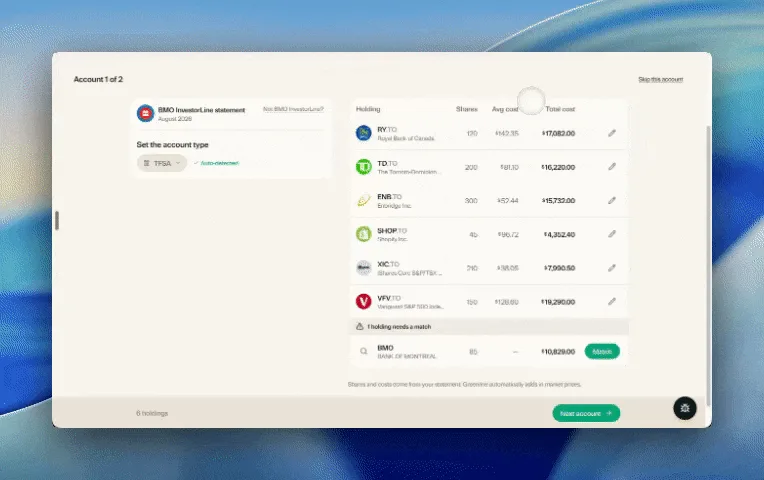
Easier imports, short tours, and sign in with any email
Fix an import yourself, update every account from one place, get a quick walkthrough when you're stuck, and sign in with any email address.

August 21, 2026
Greenline in The Globe and Mail
Andrew Galbraith at The Globe and Mail tried Greenline and wrote about it. We're honoured.
August 6, 2026
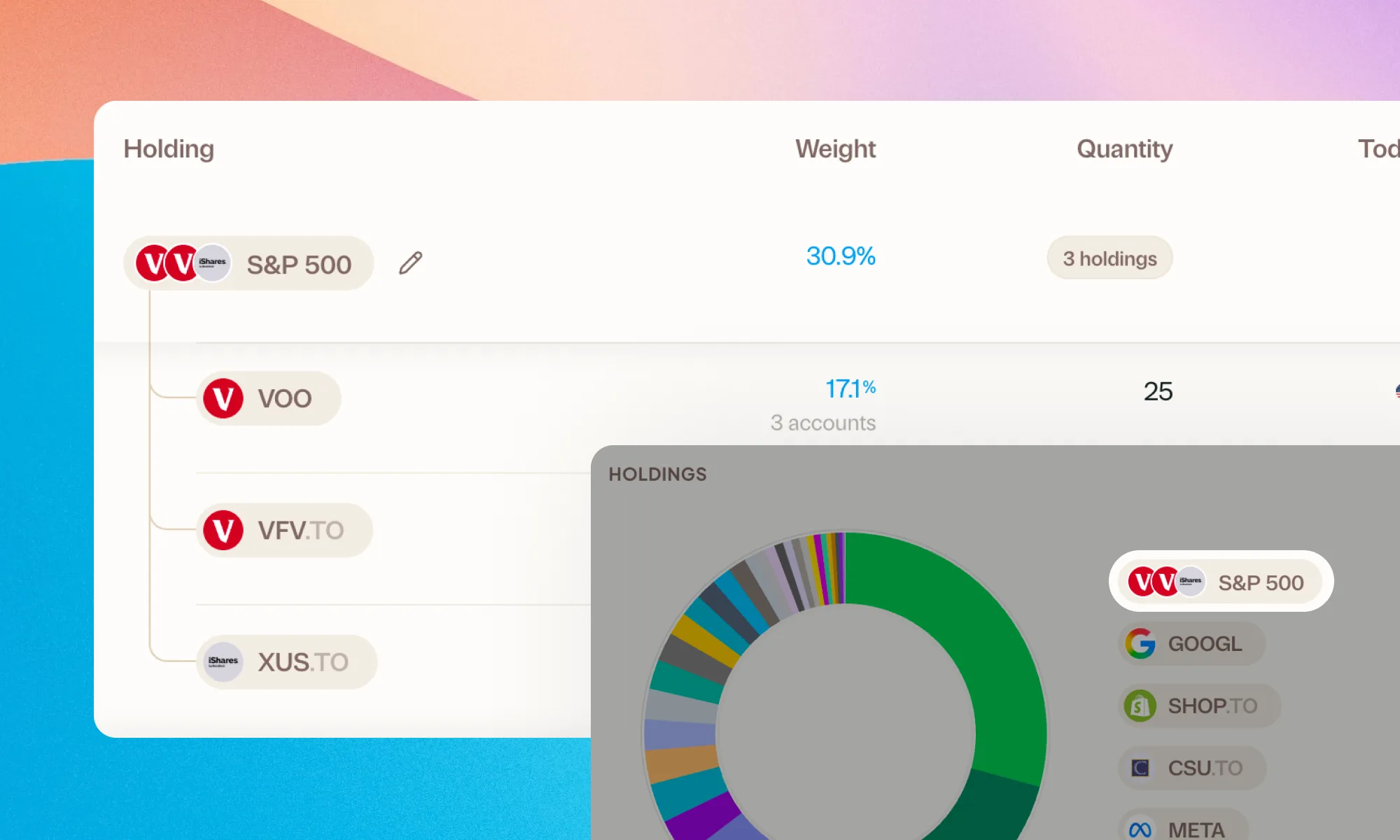
Group your holdings, however you'd like
Bundle VFV, VOO, and XUS into one S&P 500 row. Or build a Big Five banks group. Your portfolio, your groupings.