Greenline vs Budgeting Apps
Budgeting apps track your spending. Greenline tracks your wealth.
Budgeting apps like Monarch Money, YNAB, and Copilot (and Mint, before it shut down) are popular tools for managing your finances. They help you see where your money is going each month, categorize your spending, and stick to a plan.
Greenline doesn’t do any of that. It’s not a budgeting app. And budgeting apps, despite what some of them claim, aren’t very good at tracking investments.
These tools answer fundamentally different questions. Understanding the difference helps you pick the right tool for what you’re actually trying to do.
| Feature | Greenline | Budgeting apps |
|---|---|---|
| Focus | Investment portfolio | Cash flow and spending |
| Track holdings | Yes | Limited |
| Fee analysis | Yes | No |
| Bank linking | No | Usually required |
| Canadian-specific | Yes | Varies |
| Free during beta | Yes | Varies |
What do budgeting apps do well?
Budgeting apps are built around one core question: where did my money go?
They connect to your bank accounts and credit cards, pull in transactions, and help you categorize spending. You can set budgets, track recurring expenses, and see whether you’re spending more on restaurants this month than last month.
For getting control of your cash flow, budgeting apps are excellent. They help you find money you didn’t know you were losing and build better spending habits. If you’ve never tracked your spending, starting with a budgeting app is a smart move.
Why don’t they work well for investments?
Some budgeting apps include an “investments” or “net worth” section. On paper, it seems convenient to have everything in one place. In practice, these features tend to be shallow.
No cost basis tracking. Budgeting apps might show you the current value of your investment accounts, but they don’t track what you paid for each holding. Without cost basis, you can’t calculate real returns or prepare for tax season.
No real performance data. Seeing your account balance go up or down isn’t the same as understanding your actual return. Budgeting apps can’t separate market growth from new contributions, and they don’t calculate time-weighted or money-weighted returns.
No holdings breakdown. Most budgeting apps show your investment account as a single balance. They don’t know what ETFs you hold, how you’re allocated across regions and sectors, or what’s inside those ETFs.
No tax context. A budgeting app doesn’t distinguish between a TFSA and a non-registered account. It doesn’t track your adjusted cost base. It can’t help you with capital gains or tax-loss harvesting.
Different update model. Budgeting apps typically connect directly to your bank through aggregators like Plaid. For spending transactions, that works well. For investment tracking, it means giving a third party access to your brokerage credentials, and the data you get back is often limited to balances, not detailed holdings.
How does Greenline compare?
Greenline is built around a different question: how is my money growing?
- Real cost basis and performance calculated from your actual transactions, not just a current balance.
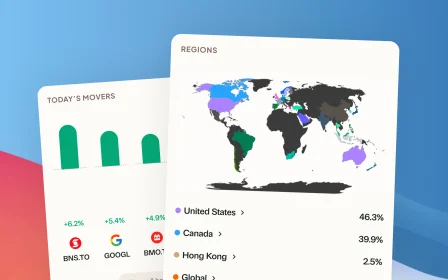
- Holdings deep dive showing every security you own, with breakdowns by region, sector, and asset class, including what’s inside your ETFs.
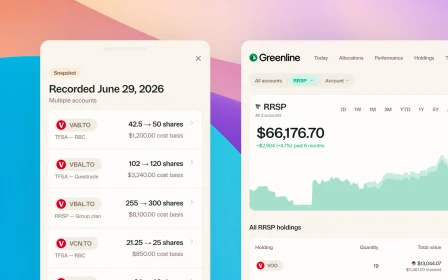
- Multi-account view across brokerages with Canadian tax context (TFSA, RRSP, FHSA, non-registered).
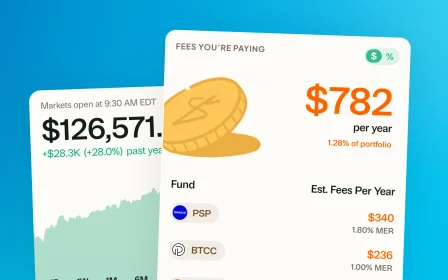
- Fee analysis showing what you’re paying and how it compounds over time.
- ACB tracking for tax season, calculated automatically.
- No bank login required. Upload a CSV, PDF, or screenshot from your brokerage. Your credentials stay with you.
Can you use them together?
Budgeting apps and Greenline work well side by side. Use a budgeting app to track your spending and cash flow. Use Greenline to track your investments and net worth.
Together, they cover both sides of your financial picture: where your money goes and how the money you’ve saved is working for you. One doesn’t replace the other because they’re solving different problems entirely.
Related reading

Best way to track your portfolio in Canada
Do you even need a portfolio tracker?

The multi-account problem
Best way to track your portfolio in Canada
We built a portfolio tracker, so we're biased. But here's an honest look at every approach: spreadsheets, brokerage tools, bank-linked apps, and more.
Do you even need a portfolio tracker?
The multi-account problem
See your full financial picture in one view.
See your full portfolioFree during Beta. Early Members will be offered better rates than new users when we launch paid plans.