

March 17, 2026 · New feature
Share your charts
Save or copy your favourite Greenline charts as a clean, high-res PNG. Drop them into a group chat, a Reddit post, anywhere.
If you are anything like me, you have friends you talk about investing with.
Someone asks about your biggest holdings, or your diversification, and suddenly you are screenshotting, cropping, and sending something that still does not look great.
Or you are posting “Am I on track?” on Reddit and want to show your portfolio without typing out every holding.
Well, your favourite charts in Greenline are now shareable.
Save or copy your favourite charts as a PNG
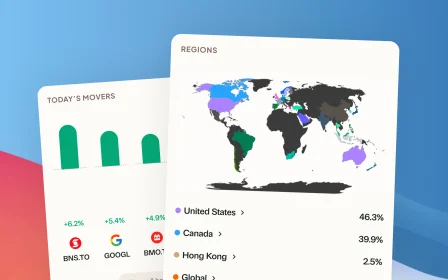
Share your biggest holdings, sector breakdown, portfolio value, today’s movers, fees, capital gains, and more.
Tap the menu on any supported card and choose Copy as PNG or Save as PNG. You get a clean, high-res image you can drop into a group chat, a Reddit post, or just save for yourself. No screenshotting, no cropping.
Look for the Share icon on the top right of supported cards.
Built for phones
If you are using Greenline as an app on your phone, you get a native share button that lets you send straight to Messages, WhatsApp, wherever.
Try it out and send your biggest holdings to a friend.
This is our first round of shareable charts. Want more? Want to customize what is shown? Hit reply and let me know.
More updates
September 10, 2026
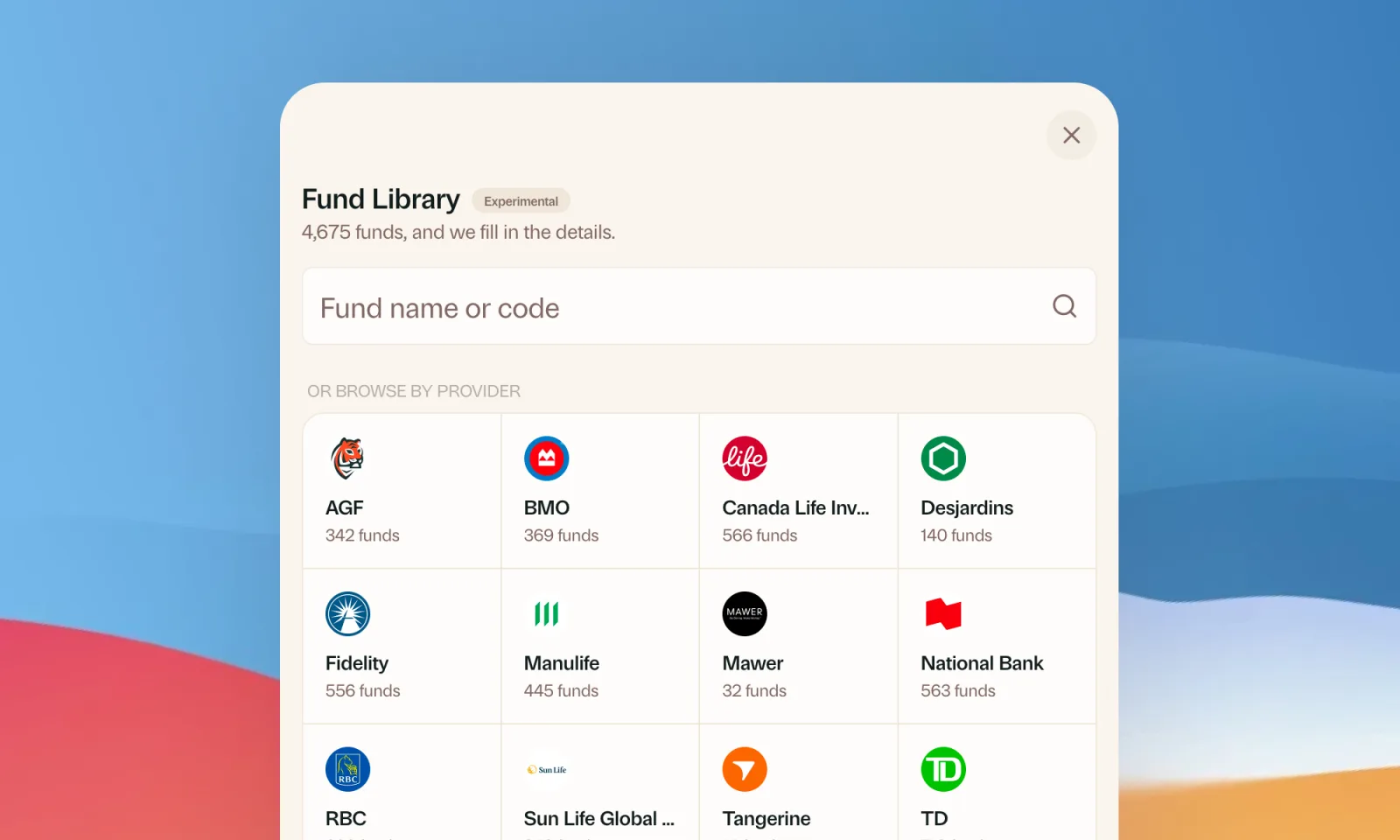
Find your mutual funds in the Fund Library
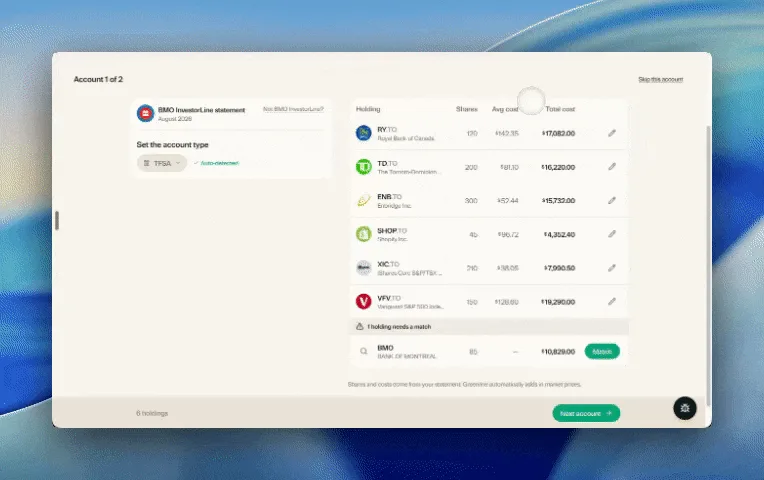
Search more than 4,500 Canadian mutual funds and get sector and region allocations, fees, and holdings filled in for you.
September 1, 2026
Easier imports, short tours, and sign in with any email
Fix an import yourself, update every account from one place, get a quick walkthrough when you're stuck, and sign in with any email address.

August 21, 2026
Greenline in The Globe and Mail
Andrew Galbraith at The Globe and Mail tried Greenline and wrote about it. We're honoured.
August 6, 2026
Group your holdings, however you'd like
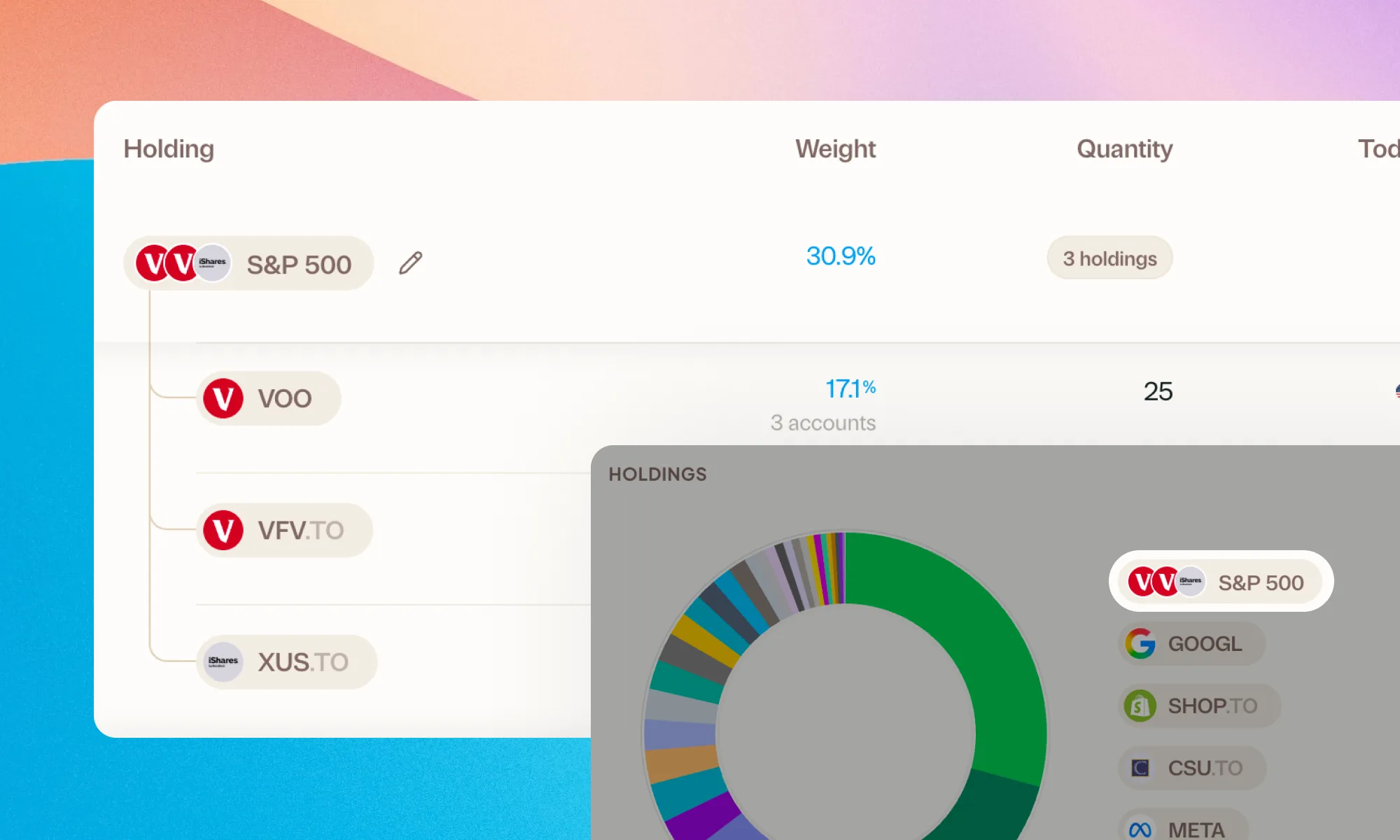
Bundle VFV, VOO, and XUS into one S&P 500 row. Or build a Big Five banks group. Your portfolio, your groupings.