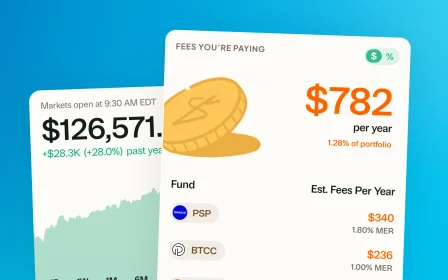
January 24, 2026 · New feature
Three timeframes, side by side
No more toggling. See up to three time periods at once in one view, so a rough day never erases a strong year.
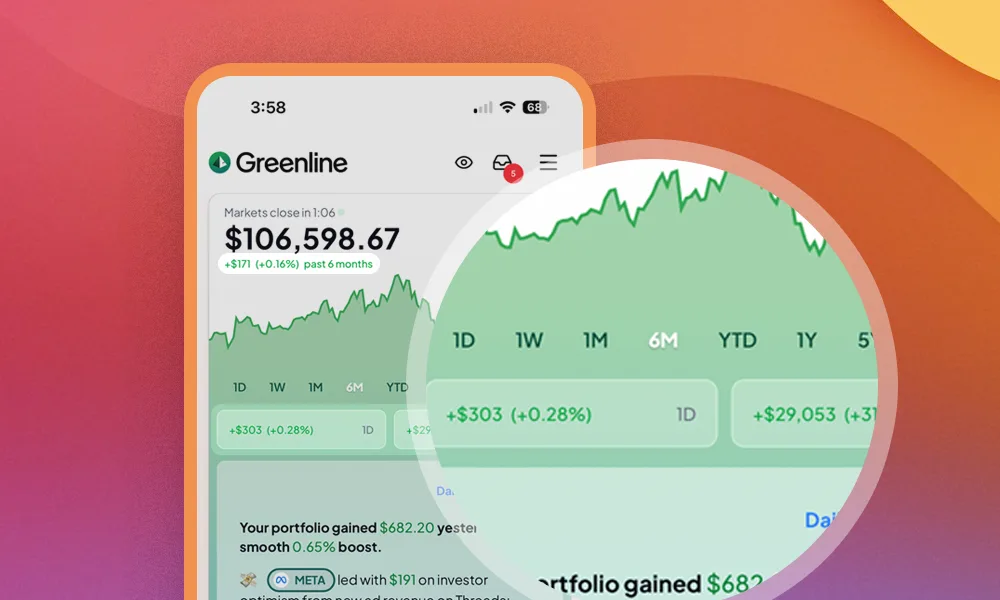
If you are like me, you are constantly switching between time periods just to understand how you are really doing. A rough day does not mean you are having a bad month, and a soft month does not erase a strong past year.
Greenline now shows up to three time periods at once, all in one view. No more toggling back and forth. And with how January 2026 is going, that longer perspective definitely helps.
How it works
Your currently selected timeframe becomes your Primary Time Period. By default, we have added 1D and YTD as Comparison Periods.
Prefer a cleaner view? You can disable comparison periods anytime. All of this can be customized in Portfolio Settings.
Have ideas for how this could be better? Hit reply.
More updates
September 10, 2026
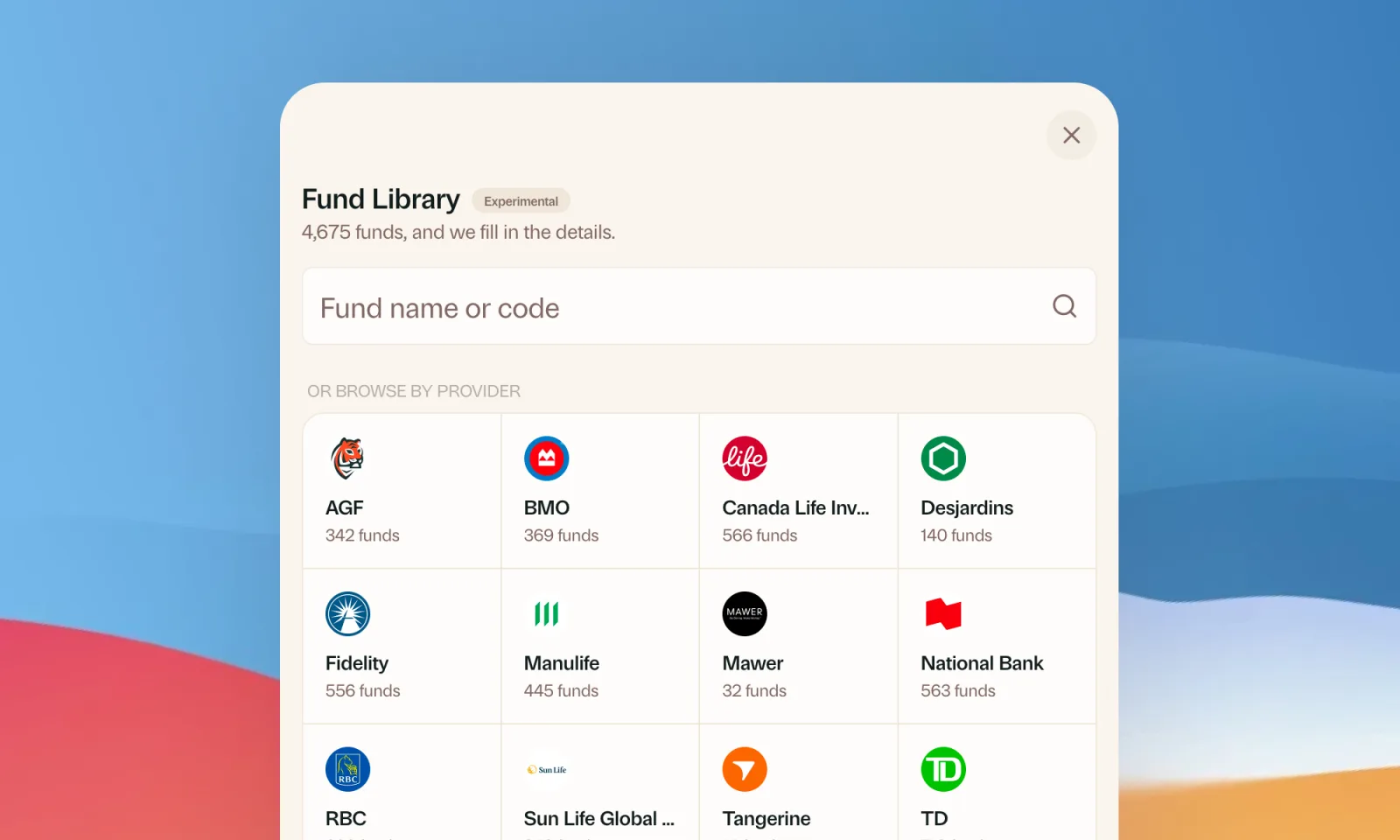
Find your mutual funds in the Fund Library
Search more than 4,500 Canadian mutual funds and get sector and region allocations, fees, and holdings filled in for you.
September 1, 2026
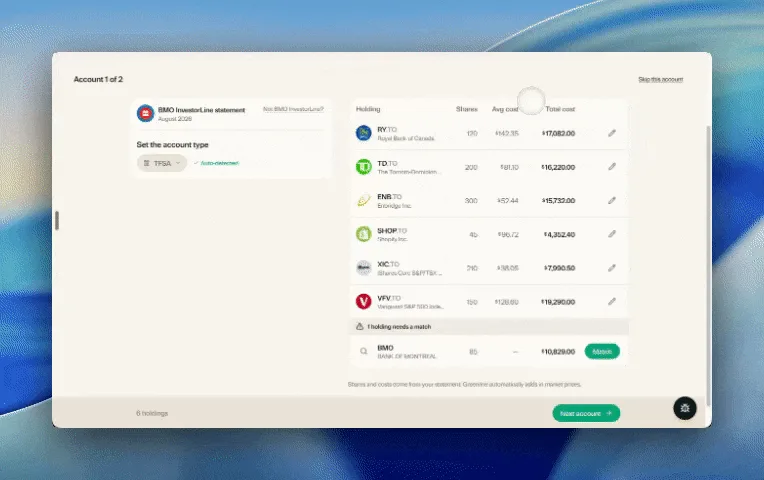
Easier imports, short tours, and sign in with any email
Fix an import yourself, update every account from one place, get a quick walkthrough when you're stuck, and sign in with any email address.

August 21, 2026
Greenline in The Globe and Mail
Andrew Galbraith at The Globe and Mail tried Greenline and wrote about it. We're honoured.
August 6, 2026
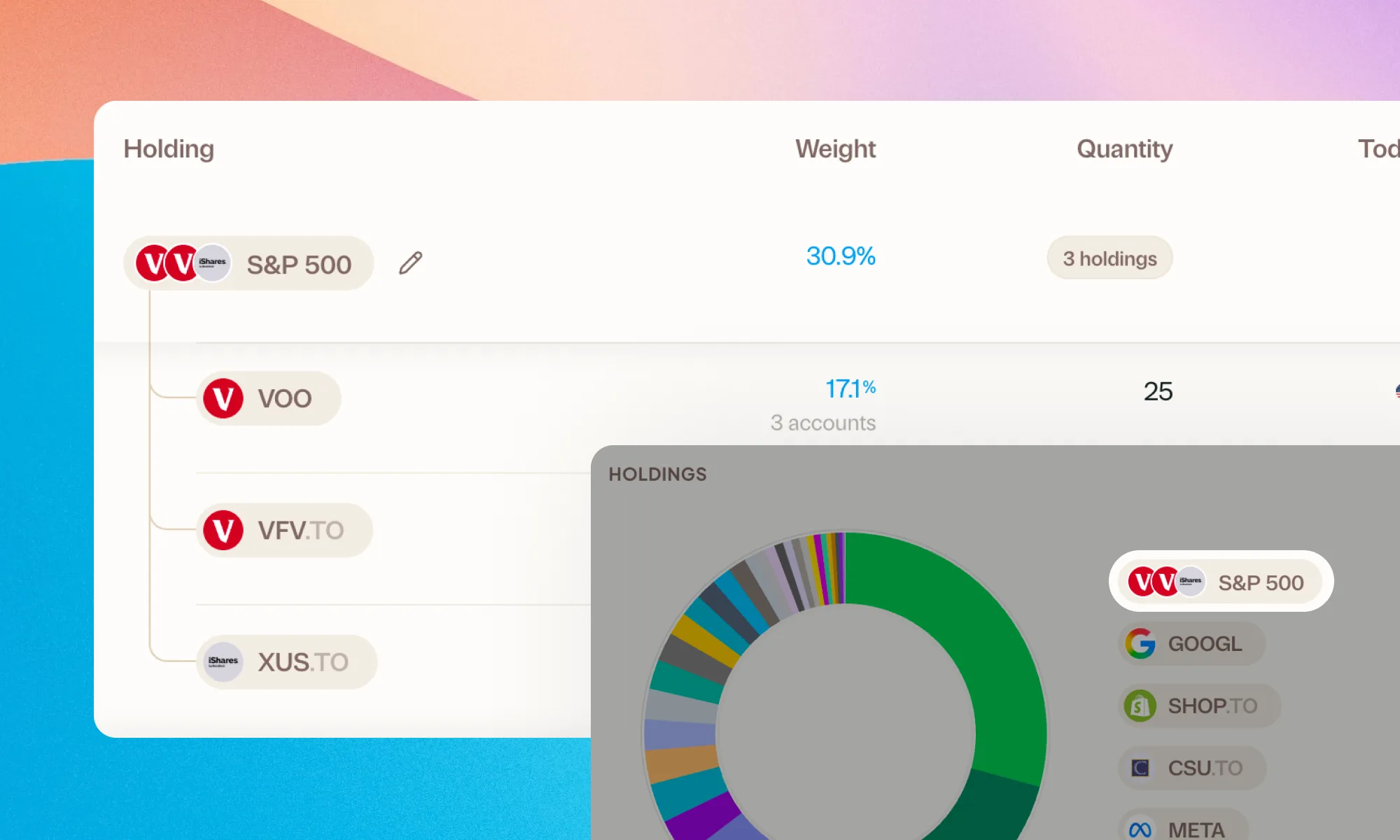
Group your holdings, however you'd like
Bundle VFV, VOO, and XUS into one S&P 500 row. Or build a Big Five banks group. Your portfolio, your groupings.